Why is it that a user story can tick every box, As a, I want, so that, and the team still builds the wrong thing?
Picture a typical backlog refinement. A story lands: "As a Manager, I want a report of overdue invoices." It's properly formatted. Everyone nods, it goes in the sprint. Three sprints later, the report exists and nobody's using it, because nobody asked what decision it was actually meant to support.
User Stories are one of our favourite tools for getting past this - but only when we remember what they're actually for.
What is a User Story?
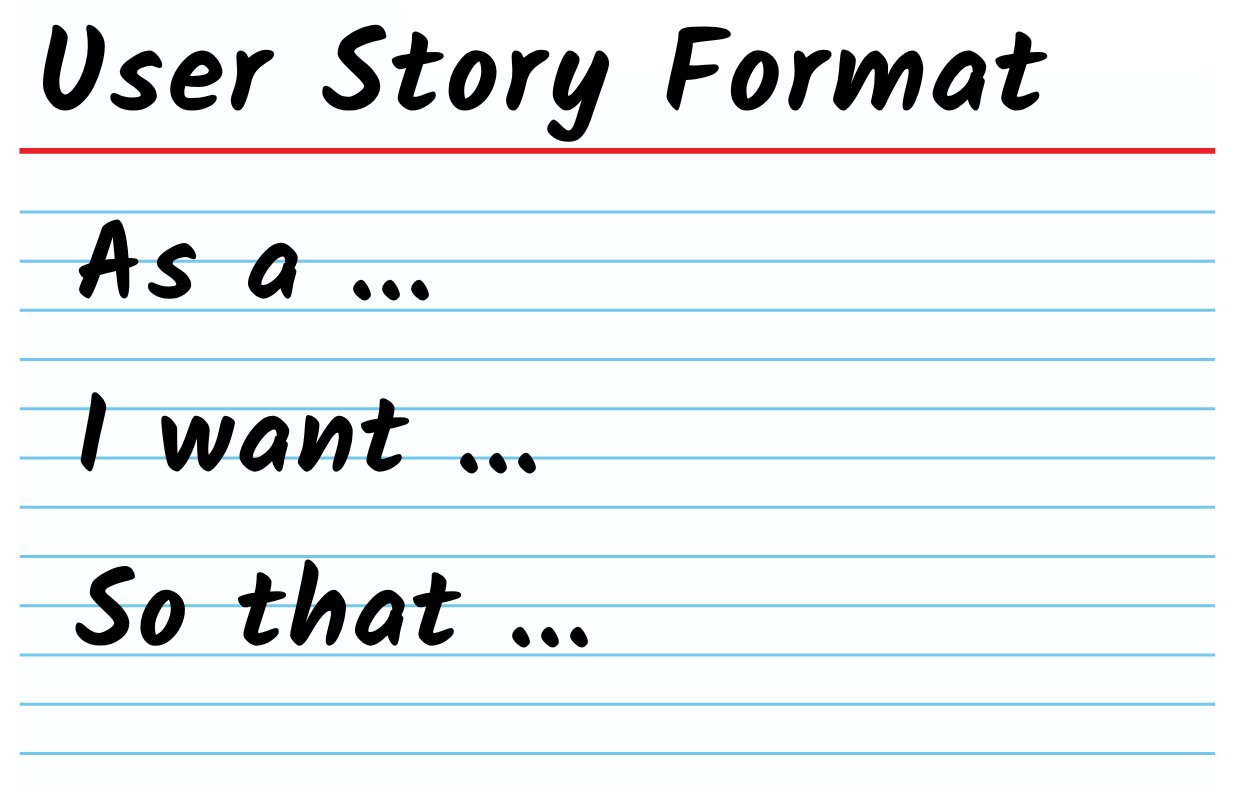
A User Story is a short statement of need, written from the user's point of view. It follows a simple pattern:
As a [role]
I want [goal or capability]
so that [benefit or value].
For example: As a Claims Manager, I want to see claims approaching their SLA so that I can intervene before customers are affected.
The story gives the team a person, a goal and a reason why. It doesn't explain every field, rule, edge case or quality expectation and it isn't meant to. In its original spirit, a story is a placeholder for conversation, not a small contract.
Why We Love It
User Stories are useful because they help shift the conversation:
Framing the work around a real person and what they're trying to achieve.
Forcing the why out into the open before anyone reaches for a solution.
Giving the whole team, technical or not, a shared starting point.
Staying light enough to flex as understanding grows.
Slowing teams down just long enough to find the best answer, not just the first one.
When We Use It
We reach for User Stories when:
A team is building out a backlog for new work.
We're running a story-writing workshop at the start of a piece of work.
A request has landed as a solution ("I want a report") and we need to uncover the actual need.
A distributed or outsourced delivery partner needs a shared starting point, not a full specification.
New scope shows up mid-project and needs a home in the backlog.
How We Do It
Most requests don't arrive as good user stories. They arrive as solutions someone's already picked. "As a Manager, I want an overdue-invoices report" tells you what someone thinks they need, not what's actually driving the ask. We always:
Ask what decision the request is meant to support.
Ask what question needs answering, and how often.
Ask what action gets taken once the answer is known.
Write the story from that answer, not the original request.
When we push on these questions, the story usually reshapes itself. "I want a report" becomes: As an Operations Team Leader, I want to quickly identify applications at risk of breaching their SLA so that I can redistribute work before customers are affected. That version doesn't hand the team a solution. It hands them a problem worth solving and a dashboard, an alert or a prioritised queue could all be genuine answers.
Once the story holds up, we resist adding more to the card. Acceptance criteria, business rules and examples all deserve their own space alongside the story, not squeezed inside it. Our RAFT Acceptance Criteria & Business Rules: Giving each its own home covers exactly where each of those belongs.
Things to Look Out For
The request isn't always the need - "I want a report" is rarely the real story. Go back and ask what decision it's meant to support.
A good format isn't a good story - it's possible to get the “As a, I want, so that” user story format exactly right and still miss the actual need.
The card can turn into a contract - once a story is treated as something to deliver exactly as written, the team stops solving the problem and starts ticking boxes.
Distance raises the stakes - a story with nobody nearby to question it is already in trouble, especially across time zones or with an outsourced partner.
Detail creeping into the card is a warning sign - if a story is turning into an essay, that detail belongs somewhere else.
None of this means the format is broken. It means the format was never meant to carry the whole answer on its own.
Try It With Your Team
We recommend trying this on a request that's already landed on your desk, rather than a high-stakes piece of work. Pick something that arrived as "I want a button that does X" or "I want a report of Y," and before writing it up, ask what decision it's there to support. Rewrite the story from that answer and notice how much more room it gives the team to think.
This RAFT keeps it simple. Pen, paper and a real request from your backlog is all you need to give it a go.
Our RAFT Series

✦ Our CoLab RAFTs - Rapid Agile Forecasting & Tracking skills - are practical tools we use every day in our coaching and training to help teams make work visible and performance-focused.
Curious? Let’s talk toni@agilecolab.com
Version 1, last updated on 8 November 2026